
FAQs
1. Introduction
Curiosity is at the heart of being human—and flying naturally raises questions. At Turkish Airlines, we see FAQs not just as answers, but as opportunities to connect, inform, and reassure. Anticipating and addressing customer questions with clarity and care reflects our commitment to service and hospitality.
Writing FAQs requires attention to language, structure, and tone. Each question and answer should feel intentional, helpful, and in harmony with our brand. Let’s look at the principles that guide how we create FAQs—and how to make sure they serve our users in the best possible way.
2. Principles
2.1. Avoid first-person language
Use neutral, system-centered language. Avoid “I” or “We” in FAQ questions. This keeps the tone professional and prevents the system from sounding like it’s talking to itself.
2.2. Use general question formats
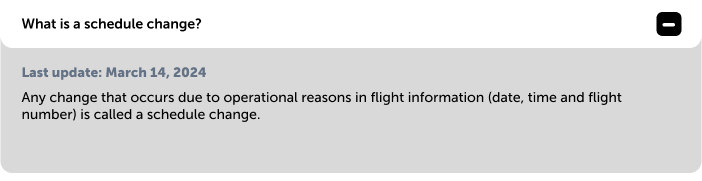
What is…?
Where can you…?
How to…?
Is/Are there…?
These formats are easy to understand and improve navigation.
2.3. Keep answers clear and concise
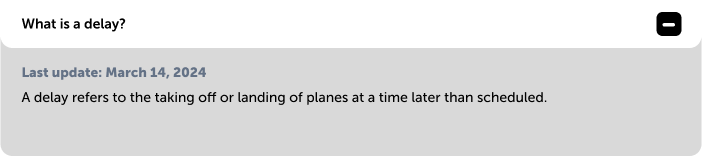
Write short, straightforward responses. Avoid technical terms and lengthy explanations.
2.4. Maintain a hospitable tone
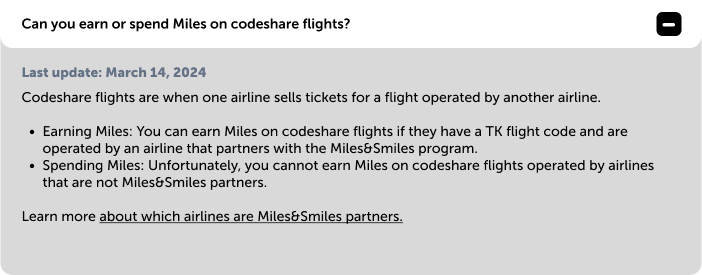
All communication should reflect Turkish Airlines’ values of hospitality. Even in a short FAQ answer, the tone should be warm, welcoming, and friendly. Do not hesitate to do the honors.
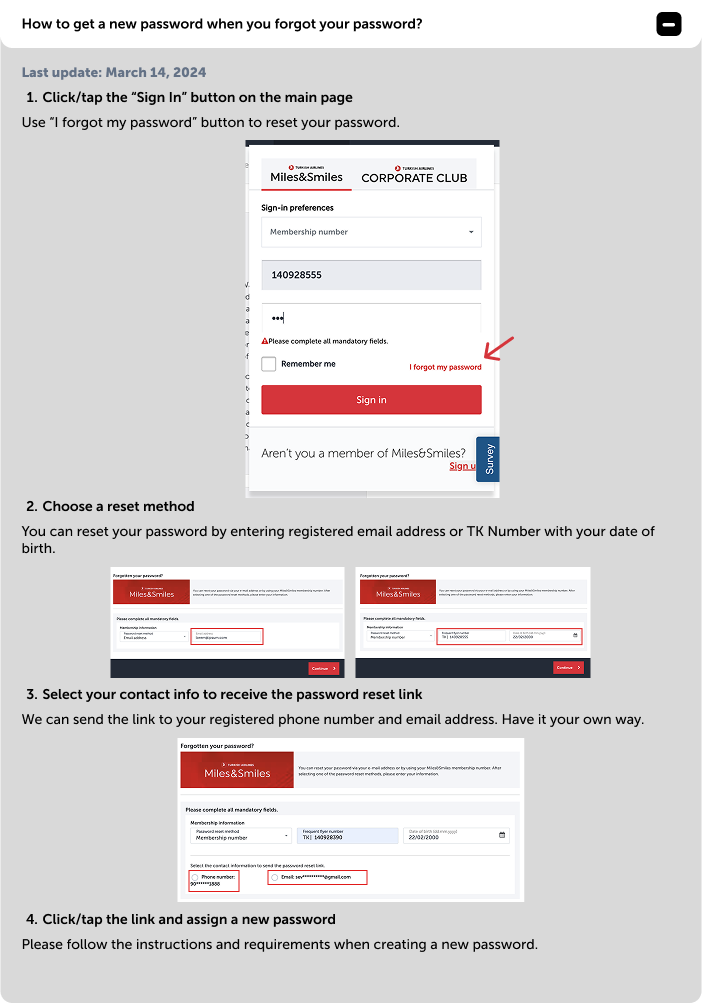
2.5. Use step-by-step explanations when needed
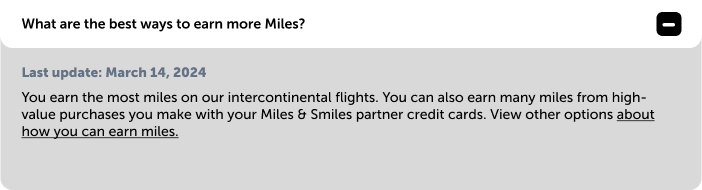
For answers that explain a process, break them down. Use numbered steps or bullet points to guide users clearly.
2.6. Use visuals when necessary
Icons and illustrations can simplify complex information. Partner with the design team to create visual aids that match our style. Never use charts or tables in FAQ answers.
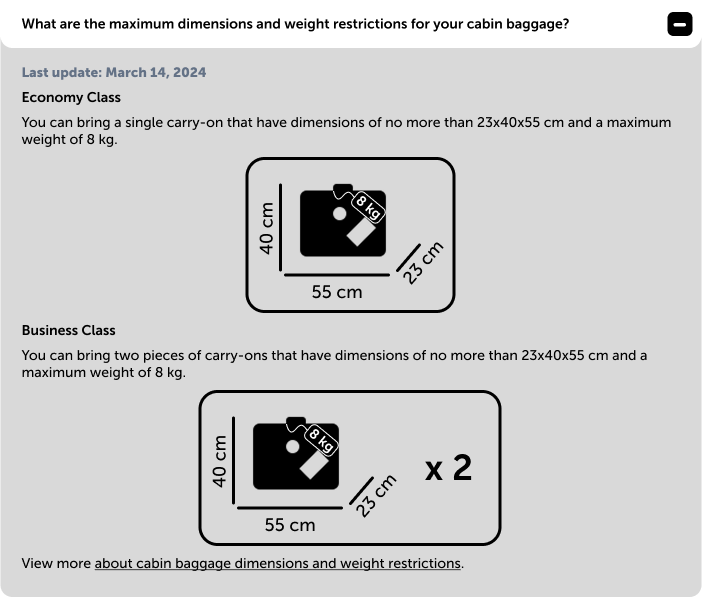
Simplify where possible. Focus on what matters most.
Use visuals. Work with a designer to add icons or illustrations.
Lead with key info. Start strong, then guide users to read more.
Summarize. Wrap up with a quick recap to keep things clear.
2.7. Stay up-to-date
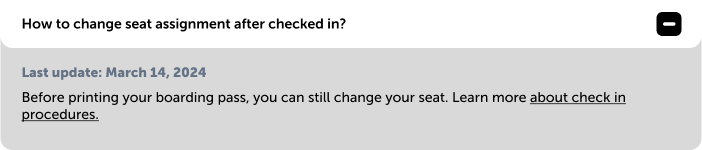
Always include the last updated date. It builds trust and signals that our information is current.
2.8. Provide clear support options
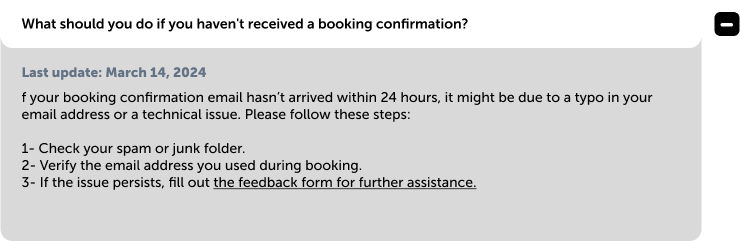
If an FAQ response might not fully resolve a user’s issue, offer clear options for contacting support. This can include links to chat, feedback form, email addresses and get in touch page.
2.9. Prioritize short answers
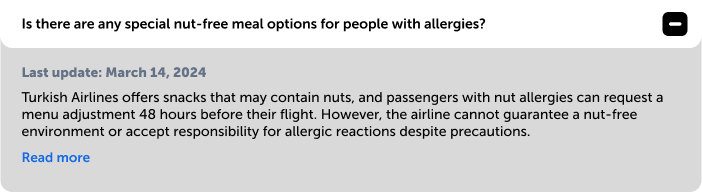
Always answer the question in a few sentences as your first choice. We guess it is difficult. But content design requires it. Always use a hyperlink for those who are curious about the details. A one or two sentence explanation will satisfy most users. Your super users will use the link.
2.10. Handle long answers with care
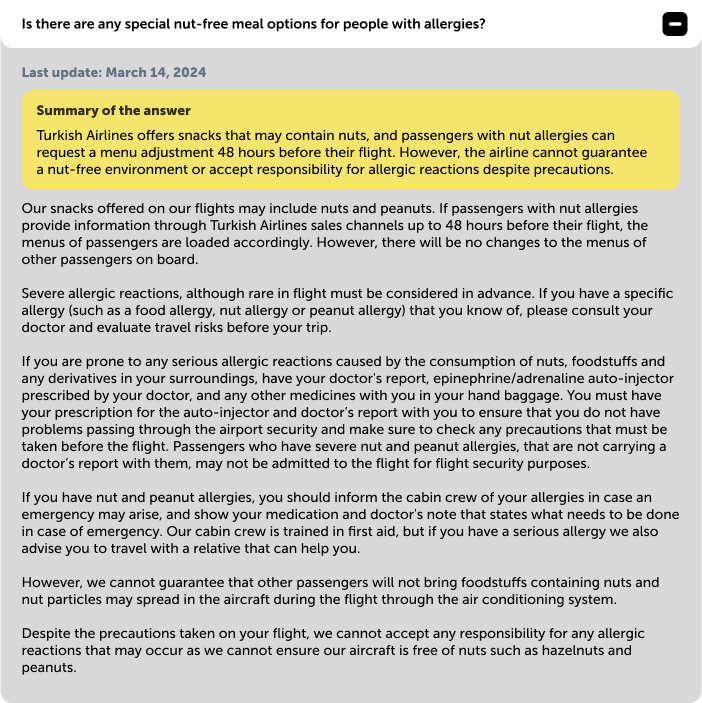
When longer content is necessary, structure it clearly. Lead with the most important information, and add a summary if needed.
2.11. Incorporate user feedback
At the end of the day, we require to offer a feedback design to allow users to rate answers about the content is useful or not. This feature ensures we continually refine our content to meet user needs. Feedback design should be simple. Please band together with a UX/UI designer to make an accessible design.
2.12. Differentiate the headings
Our homepage needs to be SEO-friendly. To appear in search results, always use the phrase “Related section questions” in page titles. However, titles in the left menu are exempt from this rule and should be written as they are.
SEO title: Extra baggage questions
2.13. Vary the meta titles
Avoid repeating the product page title. Meta titles should include “Related section questions” to guide search engines and reduce page conflict.
Dining on board questions | Turkish Airlines ®
Extra baggage questions | Turkish Airlines ®
3. FAQs in SEO oriented pages
To enhance our SEO performance, we design city pages that give useful informations about all cities. In these pages, some kind of FAQs exist to answer critical questions about flights, bookings, and more. Please follow the principles while creating FAQs in SEO oriented pages.
3.1. Use keywords as hyperlinks
Hyperlinks give search engines stronger context about the content and help in crawling the website. So, always hyperlink the keywords you use.
3.2. Keep the first three dropdowns open
Don’t collapse the top three FAQ answers. These are most important for Google to index.
3.3. Add user feedback
Always include user feedback options on city pages. Feedback encourages interaction and boosts our search rankings.
3.4. Focus on sentence structure in target markets
Sentence structures can vary depending on the market you’re targeting. Don’t create sentence structures on your own—ask the SEO team to research and provide data. Make a decision together and then publish.